Automation
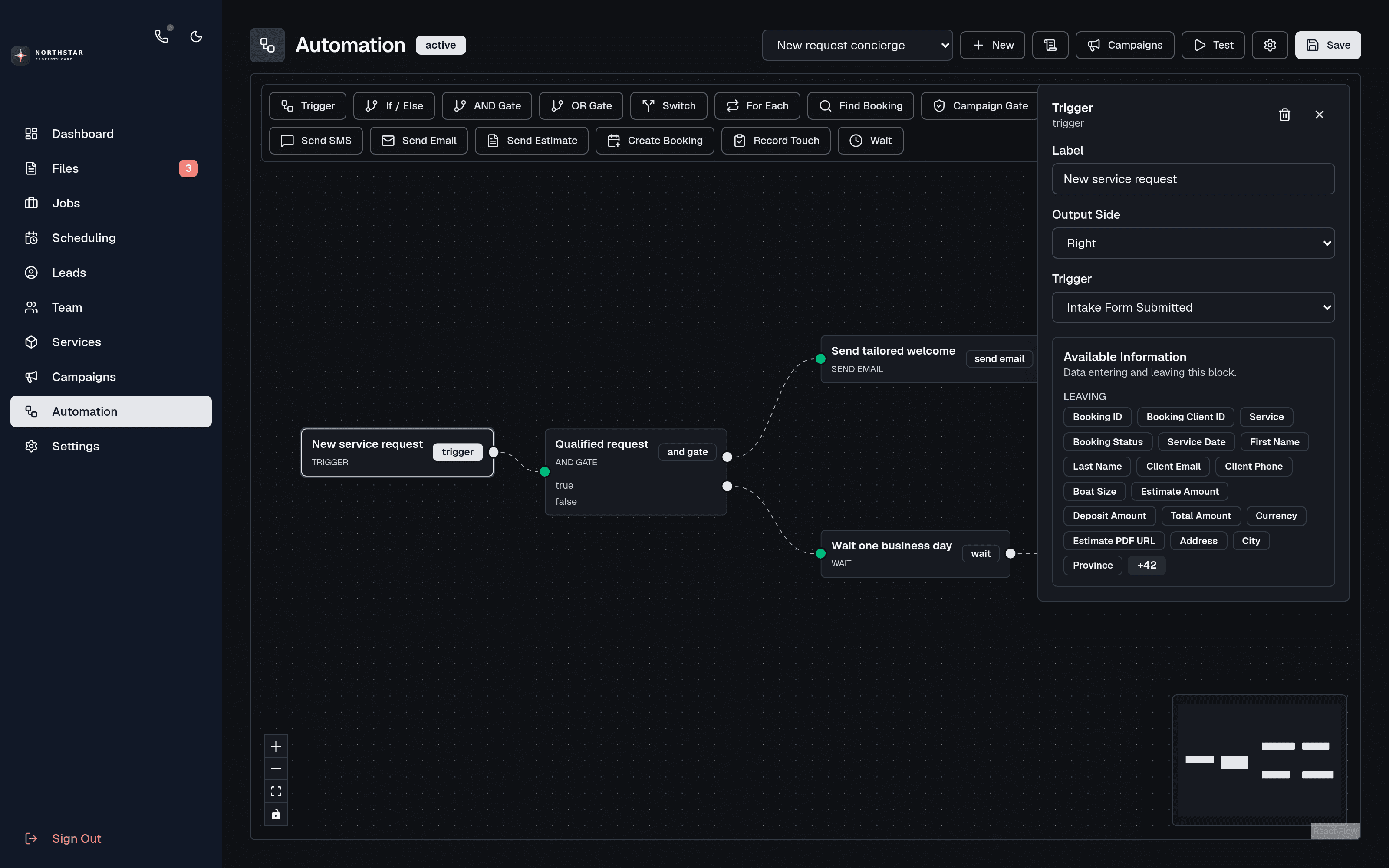
Visual workflow automation
Build operational automations that react to intake, messages, booking changes, campaign events, or schedules and act with CRM context.
Start workflows from a submitted intake form, received SMS, booking status change, email-campaign event, manual test, or recurring schedule.
Build logic visually with conditions, AND and OR gates, switches, loops, booking lookups, campaign cooldown gates, and wait steps.
Send personalized emails, transactional SMS, or estimates; create or recreate bookings; and record campaign touches using CRM fields.
Test workflows before activation and review trigger and execution logs when you need to understand what happened.
Direct-SMS automation requires a provisioned Canadian business number, which you can activate yourself in minutes; email and other operational blocks do not.
Free to start
Build this workflow around your service business
Signup is open. Create your CRM free, set up your first service, and add a business number or the AI assistant when you need them.