Portal and payments
Client portal, approvals, and payments
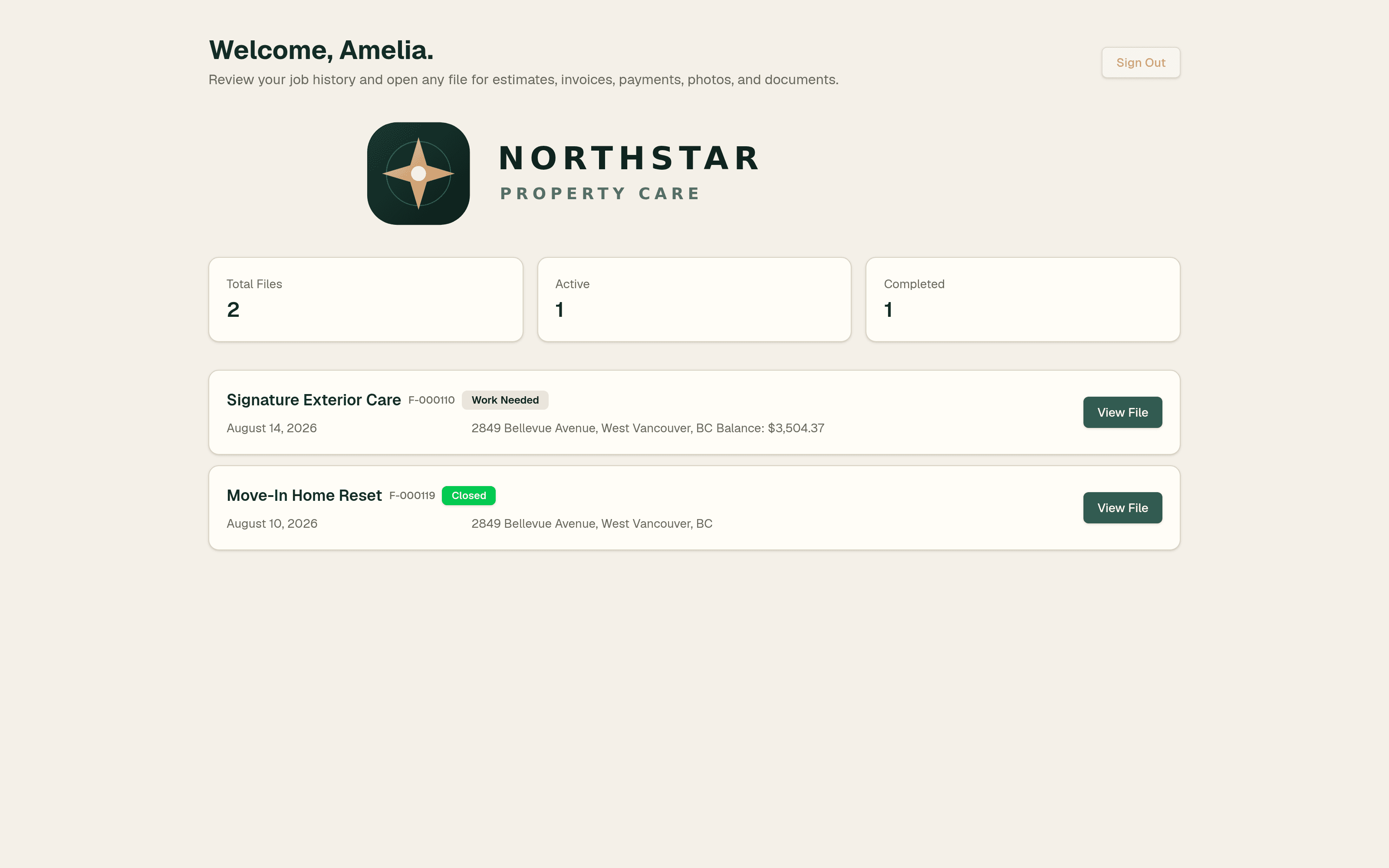
Give clients one branded place to review activity, accept or decline estimates, pay deposits and invoices, view photos, and return to past records.
Clients sign in to a branded portal and see active and historical service files instead of searching old email and text threads.
They can review PDFs, accept or decline scope, agree to terms, and pay a deposit when required. Estimates without a deposit can be accepted directly.
The timeline keeps sent, viewed, accepted, replaced, voided, invoiced, and paid activity understandable as work changes.
Clients can review before-and-after photos, pay invoice balances through Stripe Connect, and revisit completed work later.
Closed files can be downloaded as a job archive with estimates, invoices, photos, and supporting records.
Free to start
Build this workflow around your service business
Signup is open. Create your CRM free, set up your first service, and add a business number or the AI assistant when you need them.