Contacts
Turn lead follow-up into real work.
Keep lead profiles, campaign sublists, emails, booking history, and client communications connected instead of rebuilding context after every handoff.
Free CRM for small business
Interdatum helps service businesses manage leads, communications, intake, estimates, crews, job files, automations, client portals, invoices, and payments without stitching together disconnected tools.
Contacts
Keep lead profiles, campaign sublists, emails, booking history, and client communications connected instead of rebuilding context after every handoff.
Operations
Interdatum keeps intake, estimates, schedules, job files, automations, portals, invoices, and payments in one operating system.
Growth
Configure services, intake questions, pricing, notifications, currency, tax, payment settings, automations, and client-facing branding as your process gets sharper.
Service workflow CRM
Most free CRMs stop at contacts and pipelines. Interdatum is designed for operators who need to win, schedule, complete, document, automate, and collect on real service work.
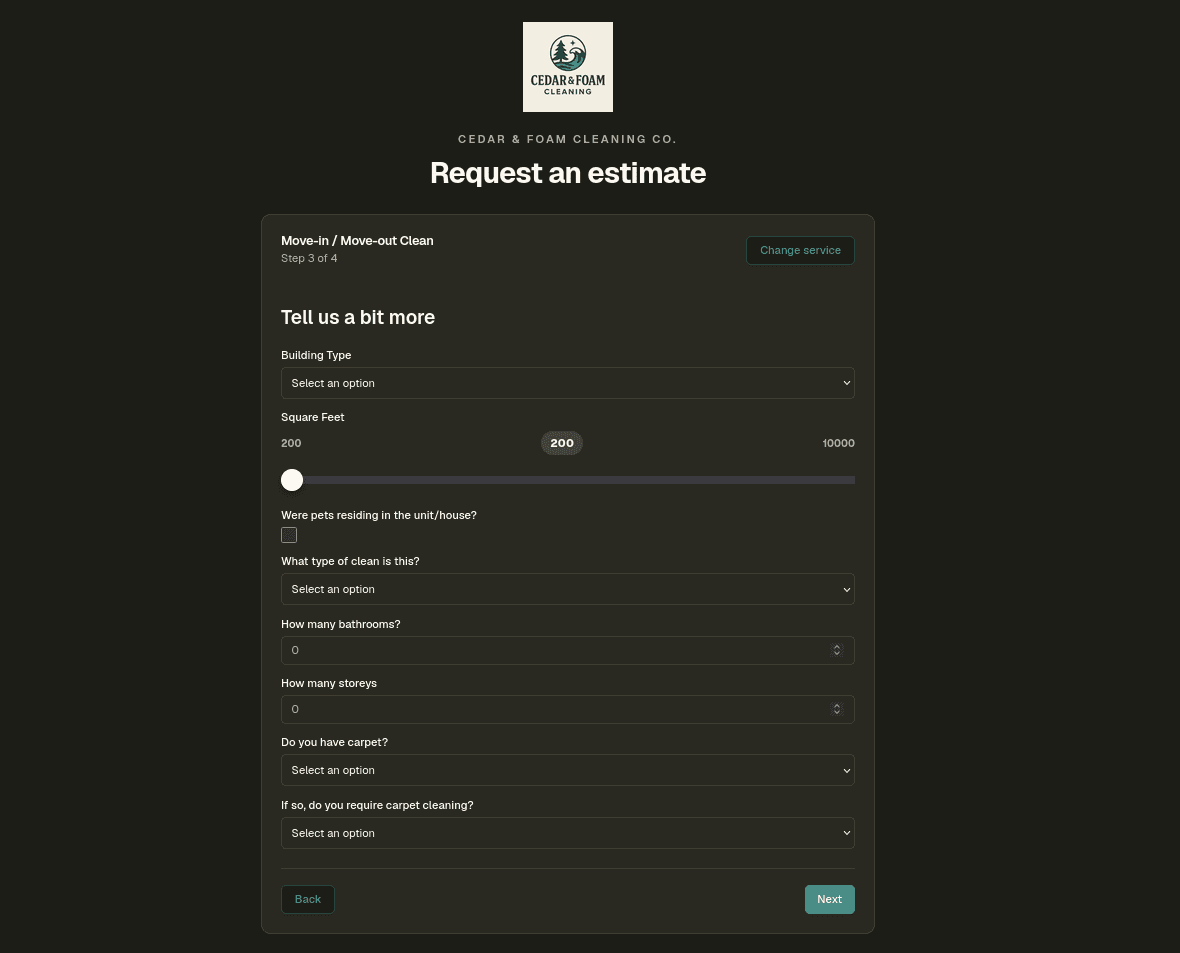
Use service intake forms to collect job details, photos, address, timing, and client information, then keep each lead connected to follow-up and booking history.
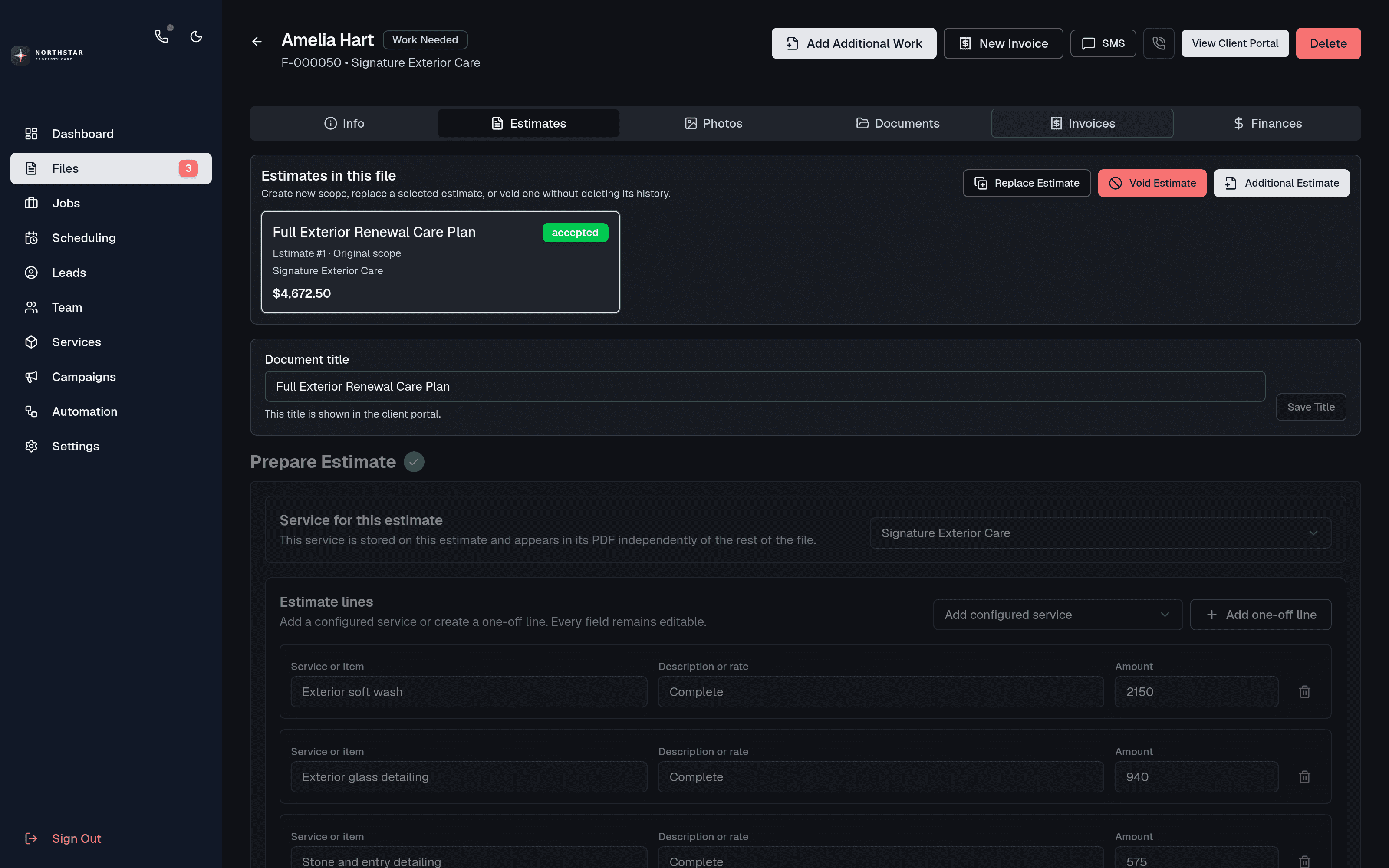
Create estimates with reusable pricing structure, line items, deposits, terms, and a client portal link.
Move approved work into a visual schedule, compare worker availability, assign crews, and give the field team the current job file.
Track job cost and profit, send one or more invoices, collect payment online, and keep every document and transaction together.
Included
Lead, client, and campaign records
Custom service request forms
Service pricing rules and reusable line items
Estimate revisions and multiple invoices
Optional deposits and final payments
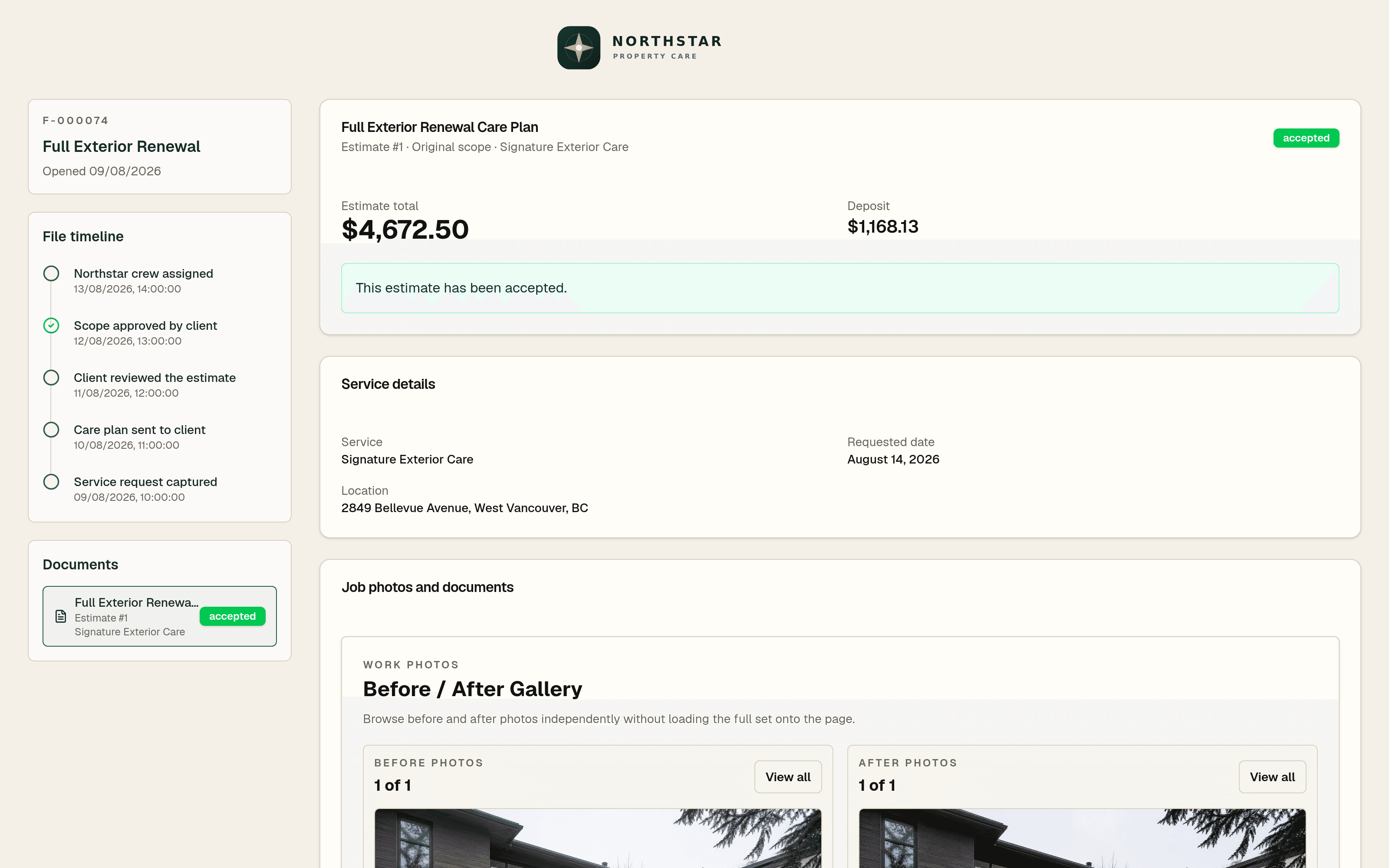
Client portal, timelines, photos, and archives
Scheduling, availability, and on-call dispatch
Job cost and profitability tracking
Email campaigns and workflow automation
Immediate transactional email and SMS notifications
Selectable currency, tax, branding, and templates
Customize it
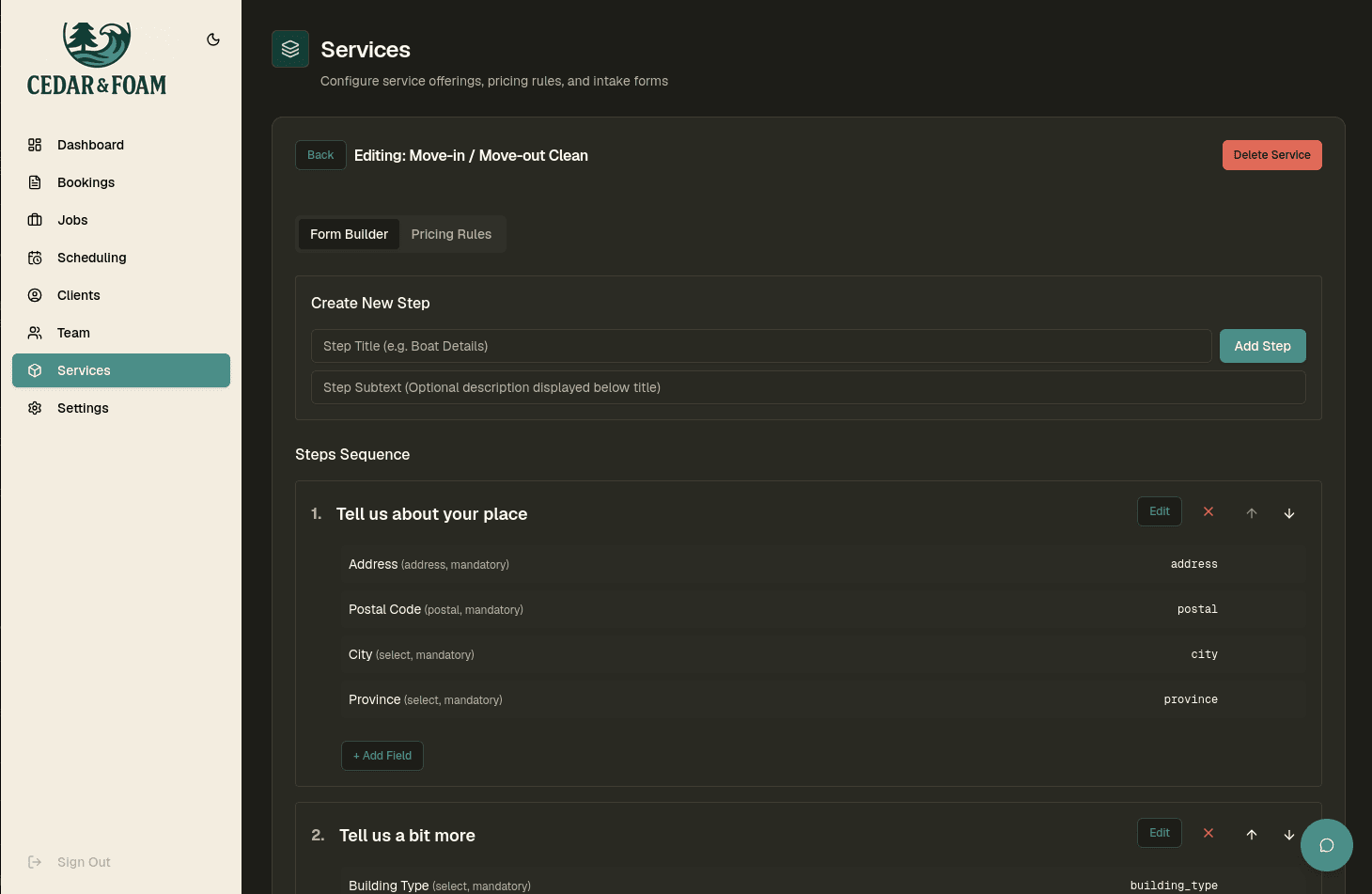
Build service forms, collect the fields your team needs, reuse line items and pricing logic, choose your currency and tax workflow, then send customers a branded portal instead of another disconnected email thread.
Explore service intakeFAQ
Yes. Signup is open and Interdatum is free to start. Small businesses can create an account, configure their CRM, and begin setting up service workflows without a paid implementation project.
Interdatum is best for service businesses that receive requests, prepare estimates, collect deposits, schedule work, create invoices, and collect payments.
Yes. Clients can accept or decline estimates, pay a deposit when one is required, accept work without a deposit when allowed, view invoices, and pay online.
For many service businesses, yes. It keeps request details, client records, pricing, estimates, job status, invoices, and payment state in a connected workflow instead of scattered sheets.
Yes. Transactional email and SMS notifications for requests, estimates, deposits, invoices, payments, assignments, and related system events are immediately available. Direct client texting and phone features require an approved beta number.
A business number, programmable voicemail, direct client SMS, SMS campaigns, calling campaigns, inbound and outbound calling, recording, transcription, listen, and whisper require a free provisioned number. Approval is currently limited to Canadian businesses during beta.
Yes. Each business selects its operating currency in CRM settings and can configure its tax workflow for estimates, invoices, and payments.
Start free
Start with the basics, then configure lead follow-up, service forms, estimates, deposits, scheduling, job files, automations, invoices, notifications, and payments.