Files and estimates
Estimates, additional work, and document history
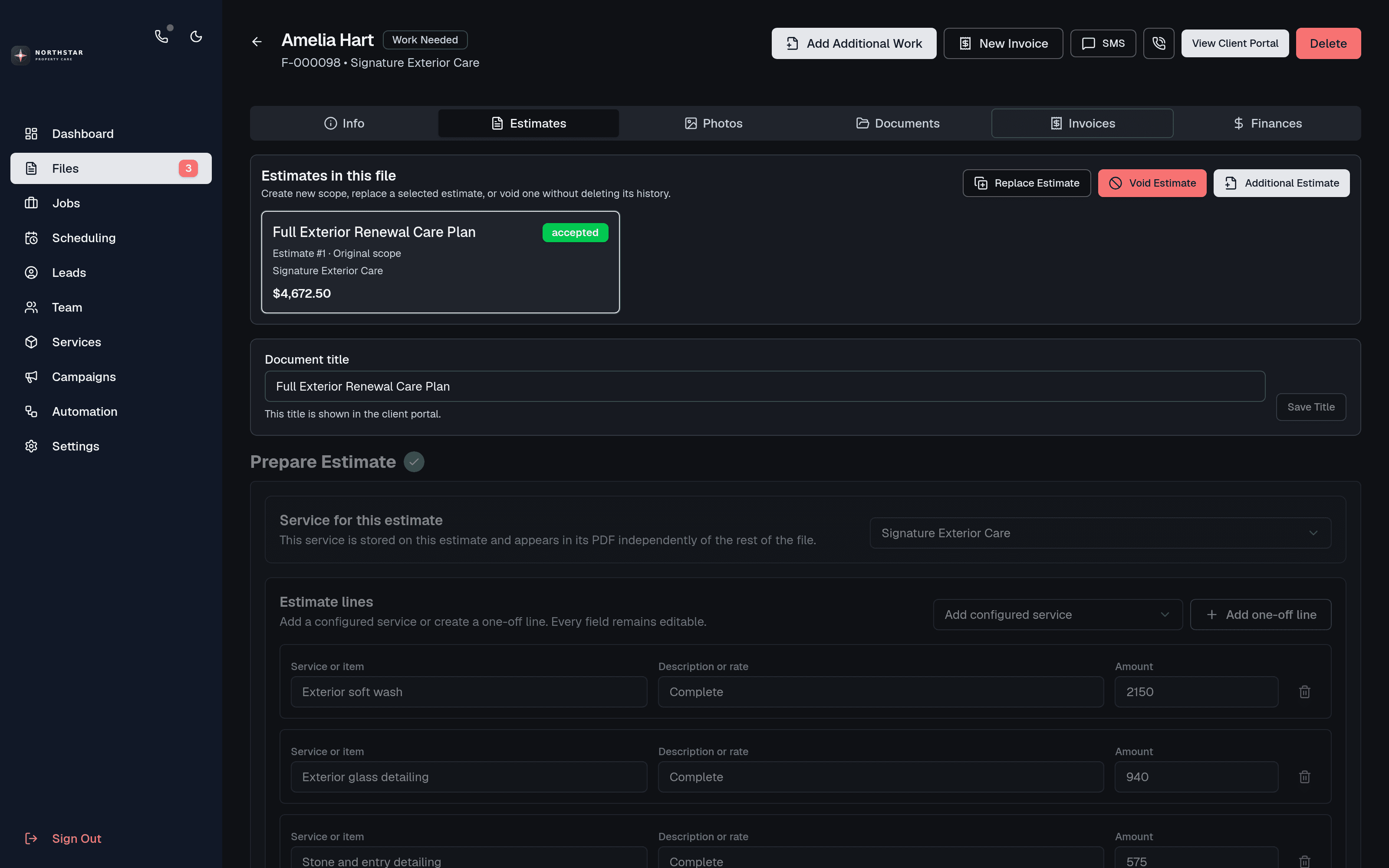
Create editable estimate PDFs, collect approval or an optional deposit, and preserve revisions, additional work, invoices, payments, photos, and activity in one job file.
Start with service variables, pricing rules, and reusable line items, then adjust scope, quantities, descriptions, tax, currency, deposit requirements, and titles before sending.
Generate a structured PDF and notify the client by email or transactional SMS so they can review it in the portal.
Choose whether a deposit is required. Clients can pay a required deposit or accept work without one when that better matches the job.
When scope changes, create an additional estimate or replacement revision. Superseded and void documents remain in the file history.
A job file can hold multiple estimates, invoices, payments, communications, photos, and timeline events as a complete commercial history.
Free to start
Build this workflow around your service business
Signup is open. Create your CRM free, set up your first service, and add a business number or the AI assistant when you need them.